Money Flow Introduction
Before referring to this guide, please ensure that you are using Futubull App version v13.47.14108 or later.
Viewing Trade Overview and Money Flow can help investors gain insight into the latest movements of major funds and support their trading decisions.
Path: Stock Page > Chart > Scroll down to Trade Overview and Money Flow
Trade Overview
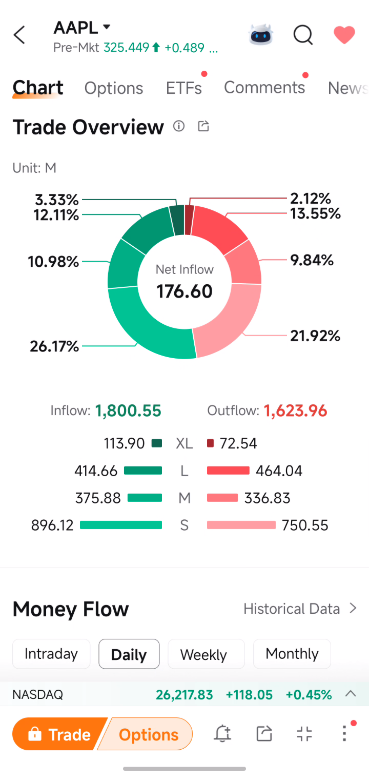
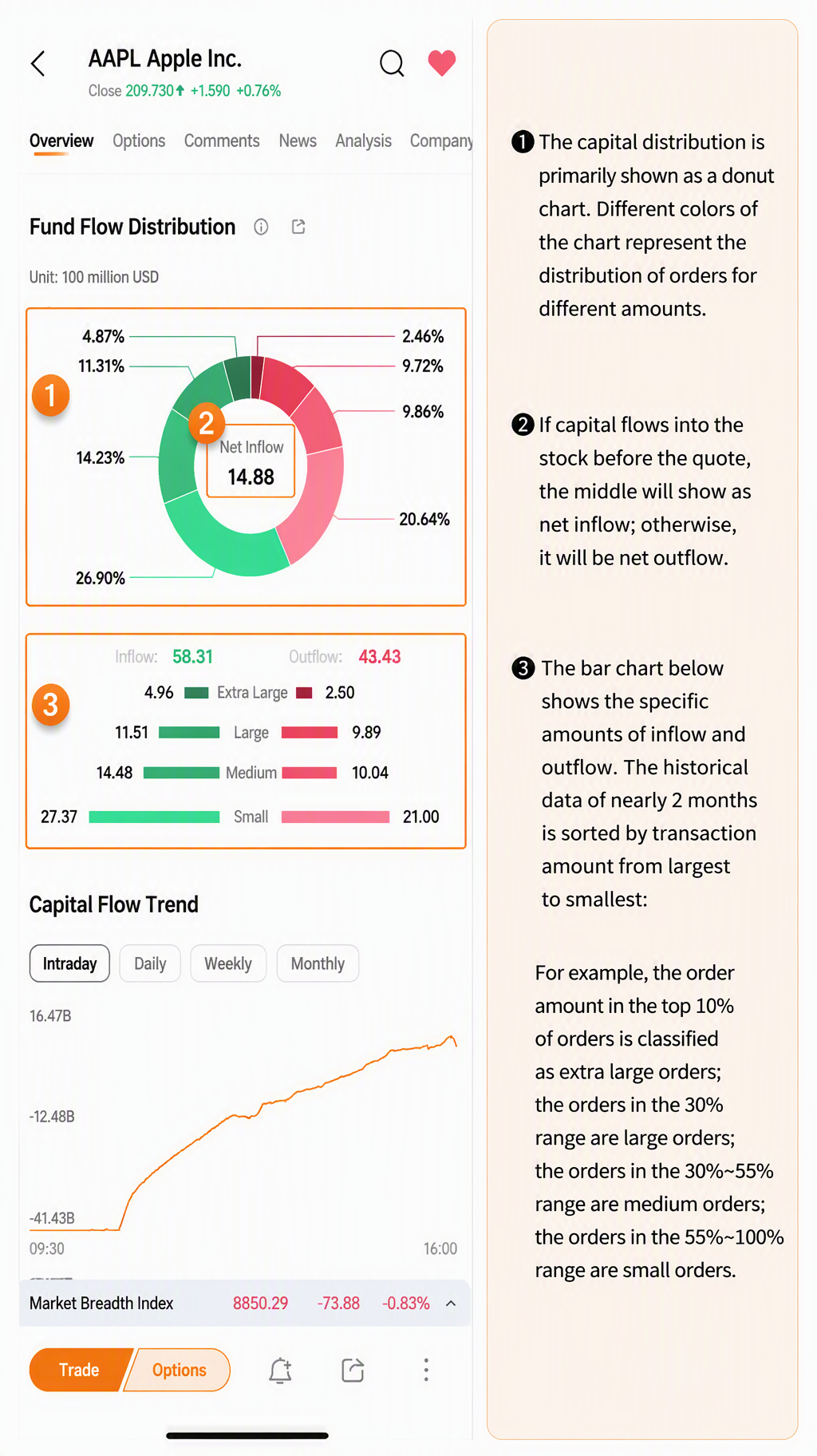
Trade Overview is first displayed as a circular chart. The color intensity indicates the distribution of orders by transaction value.
If the stock’s current fund inflow exceeds its fund outflow, Net Inflow will be displayed in the center of the chart. Otherwise, Net Outflow will be displayed.
The bar chart below shows the specific inflow and outflow amounts. Tick-by-tick transactions from approximately the past two months are ranked by transaction value and classified proportionally as follows:
-
The top 10% are classified as Extra-Large Orders.
-
Orders in the 10%–30% range are classified as Large Orders.
-
Orders in the 30%–55% range are classified as Medium Orders.
-
Orders in the 55%–100% range are classified as Small Orders.
Money Flow
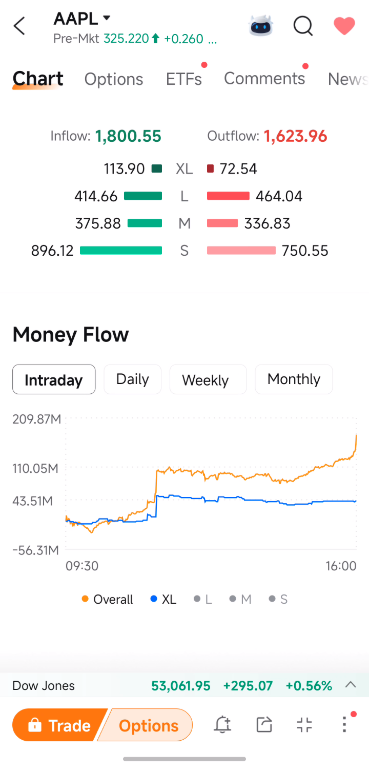
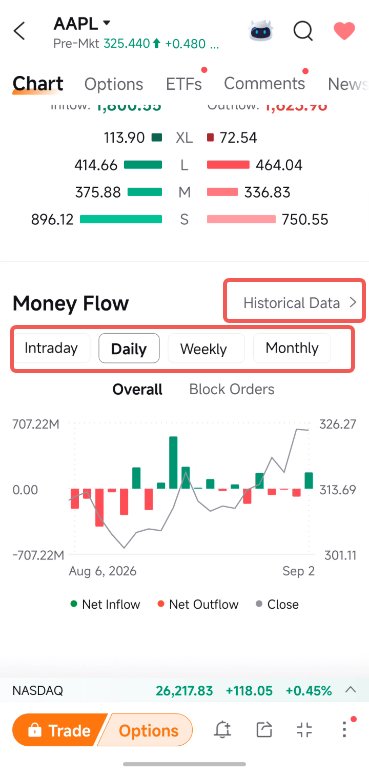
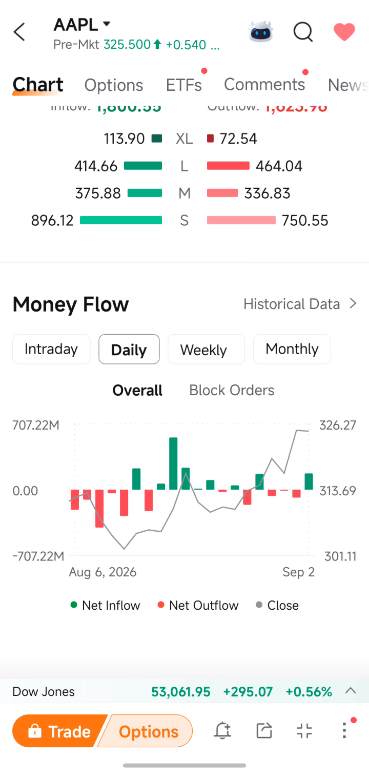
This section displays intraday real-time, daily, weekly, and monthly fund-flow data for different order sizes, providing a clearer view of the stock’s overall fund inflows and outflows, as well as movements of major funds.
Tap legend items such as Overall, Extra-Large Orders, and Large Orders to hide or display the corresponding data trends on the chart.
Press and hold any point on the line chart to display a pop-up window showing detailed order data.
Short-term fluctuations in fund flows may be significantly affected by specific events, so it is also important to monitor long-term fund-flow trends. On the daily, weekly, or monthly chart, tap Historical Data in the upper-right corner to view fund-flow data for the past 200 days.