
Sample Name
Sample Code
Sample Name
Sample Code
Sample Name
Sample Code
4
KUNLUN ENERGY
00135
5
CHINA OILFIELD
02883
When you open App, the default page entered is Watchlists page
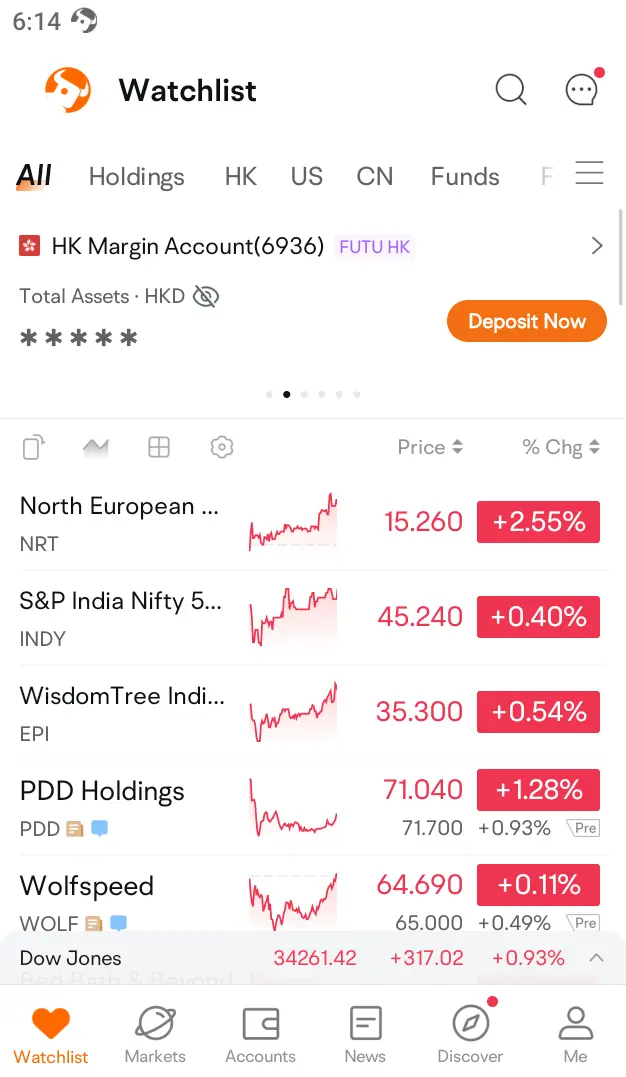
(APP version)
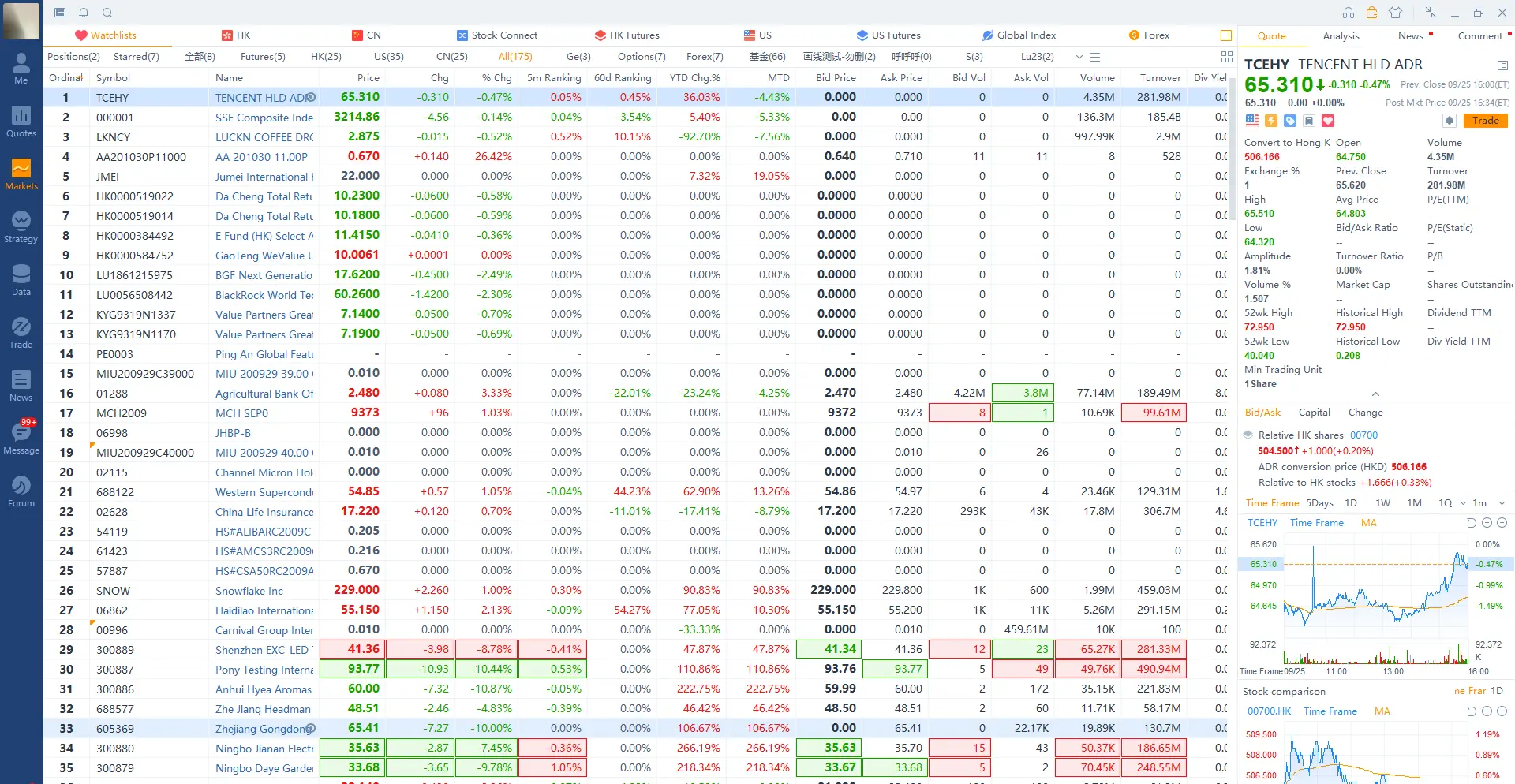
(PC version)
● On the individual stocks page, click "More-Add to Watchlists/Delete "
● On the individual stocks page, click "Watchlists/Delete "
● Management Watchlists: Click "Manage Watchlists" to enter the management group page
● Edit Watchlists: support top, drag sort, show/hide system default group
● Display assets: After opening, the current account asset information will be displayed at the top of Watchlists
● Display ADR Quotes: When enabled, the ADR quotes of US stocks corresponding to Hong Kong stocks will be displayed in Watchlists
● Show US stocks before and after the market
● Display logo: Support setting whether to display the update logo in "News, Comment" and the frequency of displaying the logo
● Smart sorting: After opening, the Hong Kong stocks will automatically advance, and the U.S. stocks will automatically advance at night
You can currently add up to 2,000 stocks to your Watchlist.